 Christmas Mega Sale – Enjoy Up to 50% OFF on Every Plan!
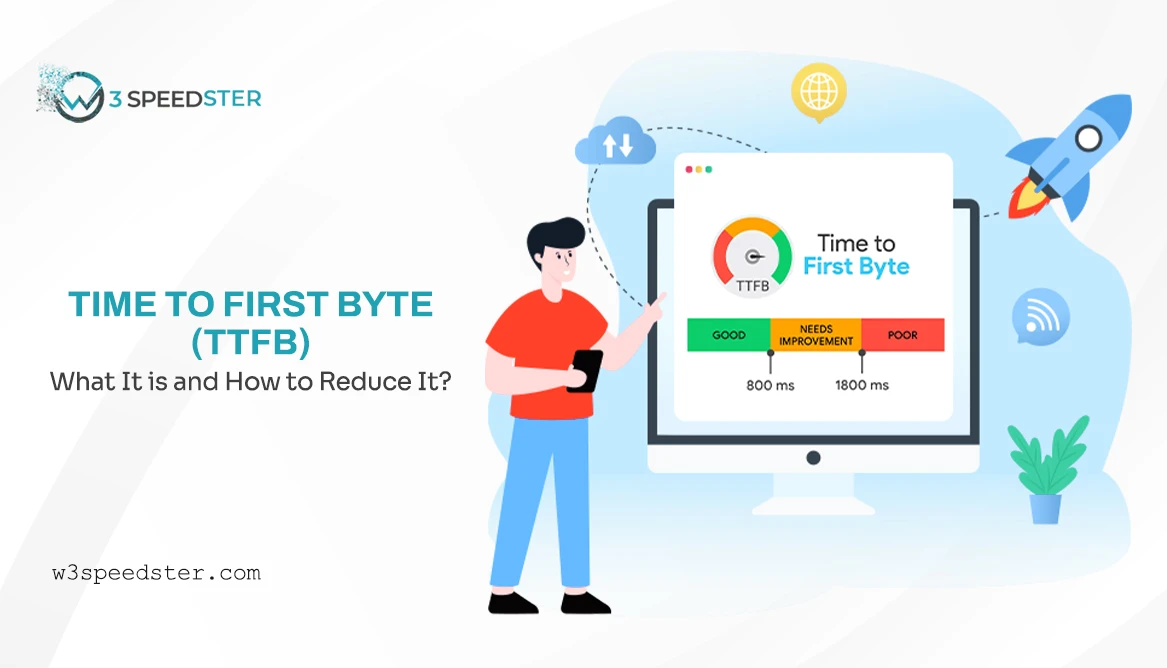
Understanding Time to First Byte (TTFB) is essential for improving website performance, as it directly impacts loading speed, user experience, and search engine rankings. Visitors expect web pages to load almost instantly, and search engines respect faster websites in ranking. Let us go a little deeper into what TTFB truly is, what implications it has for your website, and how to reduce it for better performance.
To clarify further, it is very helpful to simplify the context of this to quickly perceive what it means and how to remedy it for speeding up the website overall.
What is TTFB (Time to First Byte)?
TTFB stands for the term Time to First Byte. This is the time between the moment one clicks on a website and the website starts loading. Although, you may compare it with ordering food at a restaurant. TTFB is the time from when you place an order till the waiter brings the first bite of food to your surface.
This process involves six steps:
- Open a Performance Testing Tool – Use a reliable tool that measures website speed and server response time.
- Enter Your Website URL – Input your domain and start the analysis.
- Run the Performance Test – Wait for the tool to analyze your website’s loading metrics.
- Check Server Response Time- In the report, one can check for the metrics like: Initial Server Response Time or Time to First Byte (TTFB).
- TTFB Value Check- TTFB above 200 could mean server optimization for the faster TTFB.
- Optimising TTFB-Use a speedy hosting provider, use caching, use CDN, and optimize db queries to get your server response time down.
Why is TTFB Important?
TTFB matters for two main reasons:
- User Experience: The user doesn’t like to wait. So, the higher the time of your website loading, the more you lose your visitors from coming back.
- Google Rankings: Google ranks sites that load quickly. A slow TTFB could harm your ranking on search engines.
How to reduce time to the first byte?
How to reduce TTFB is one of the main queries. In case TTFB is slower, don’t worry: there are simple measures you may take, to make your website faster.
1. Choose a Popular Hosting Service
Cheap hosting offers might force you to share resources with other websites, slowing your website down. If you are ready to pay, then upgrading to a better plan should speed you up.
2. Use CDN
A CDN makes several copies of your website data, which it stores on several servers worldwide. Thus, from the server nearest to the user, the CDN will serve the website, given that the delivery distance will be short.
3. Enable Caching
Caching is the act of storing a part of your website, using tools that save images and scripts, so the need to fetch the original files at every loading time is avoided. This reduces the chance that a visitor will spend too much time loading the pages.
4. Compress Files
Any file of a larger size tends to take longer to load. Compressing website files makes for faster delivery to reduce the actual size.
5. Minimize Redirects
Redirects add extra steps for loading your website. Reducing unnecessary redirects can save time and improve your TTFB.
How Does W3Speedster Help in Reducing TTFB?
If you are a beginner, how to improve TTFB might look like a complicated process, but tools like W3Speedster make things easier. This plugin is designed to improve website speed by automating most of the optimization tasks. Here’s how it helps:
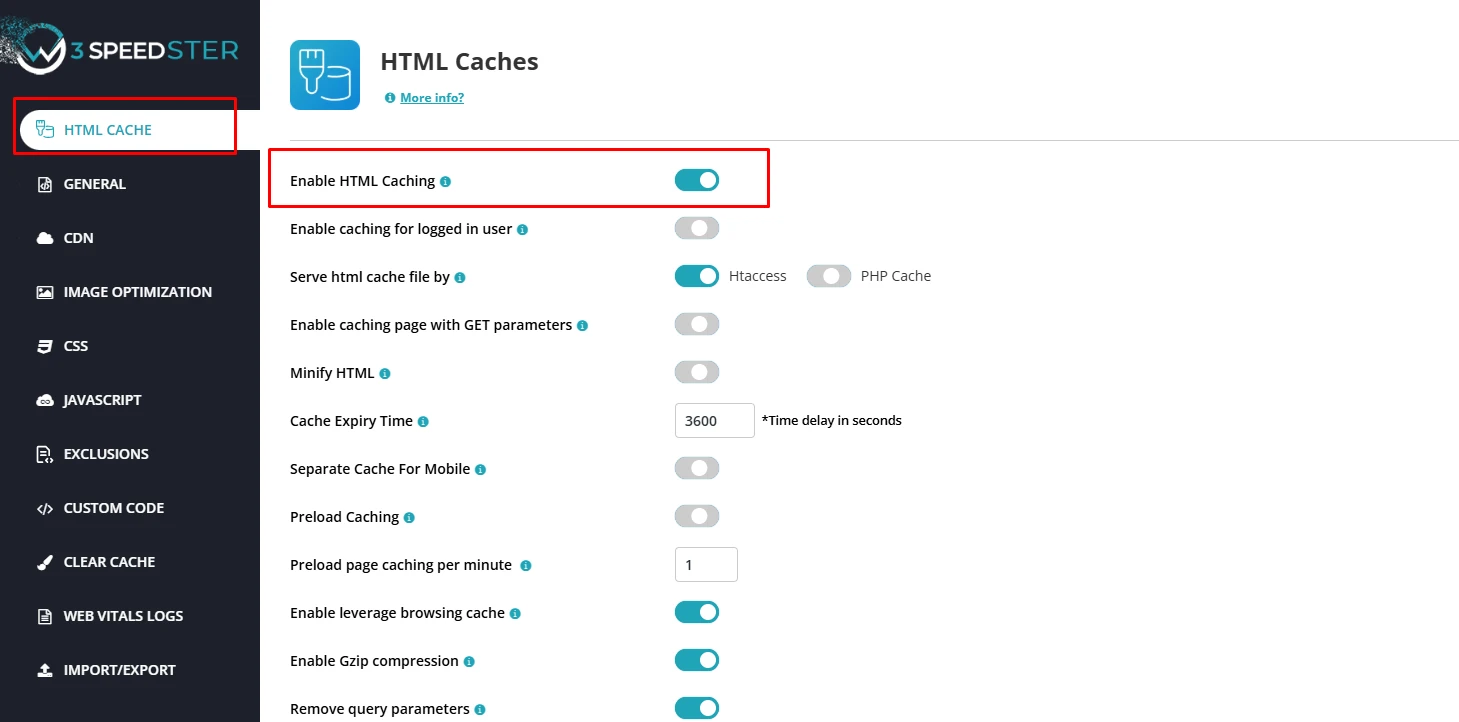
Caching: W3Speedster stores preloaded versions of your website so users don’t have to wait for the server to process everything again.
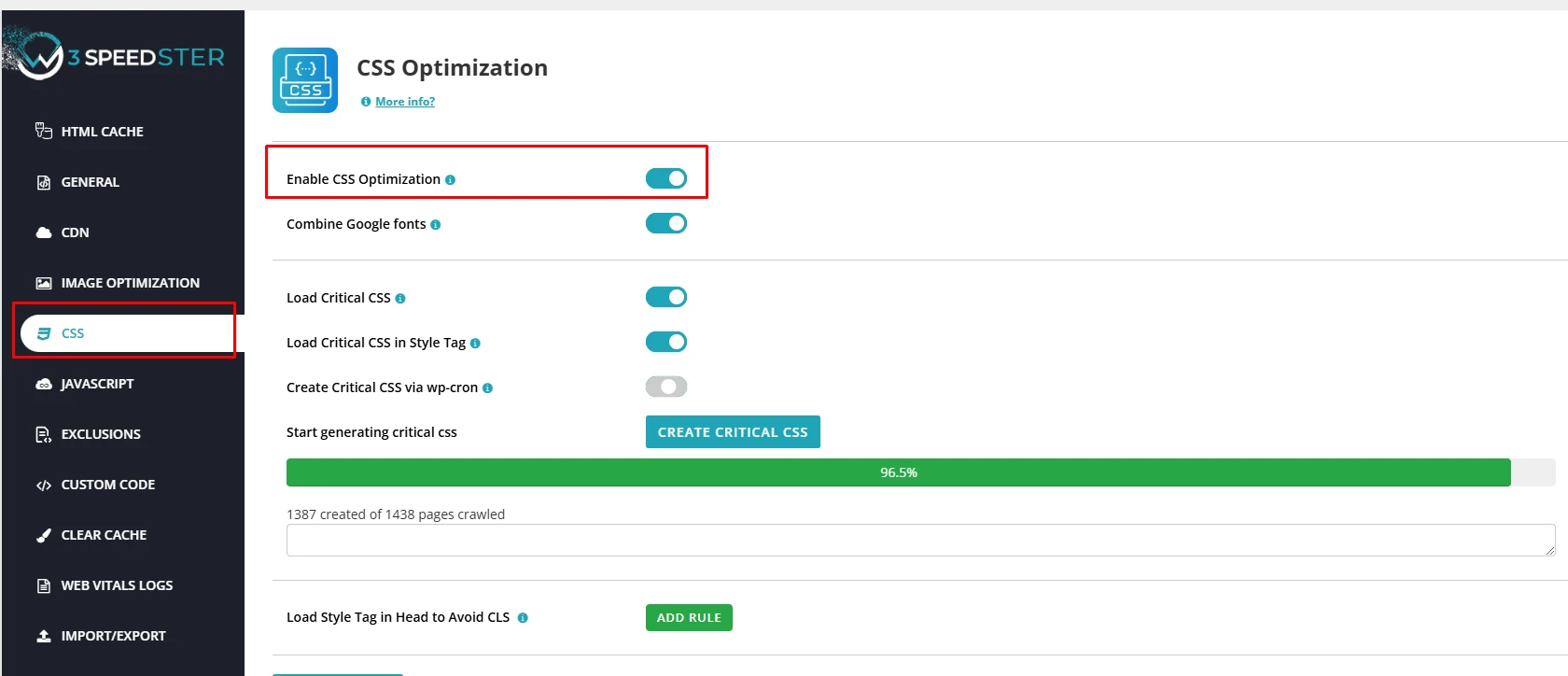
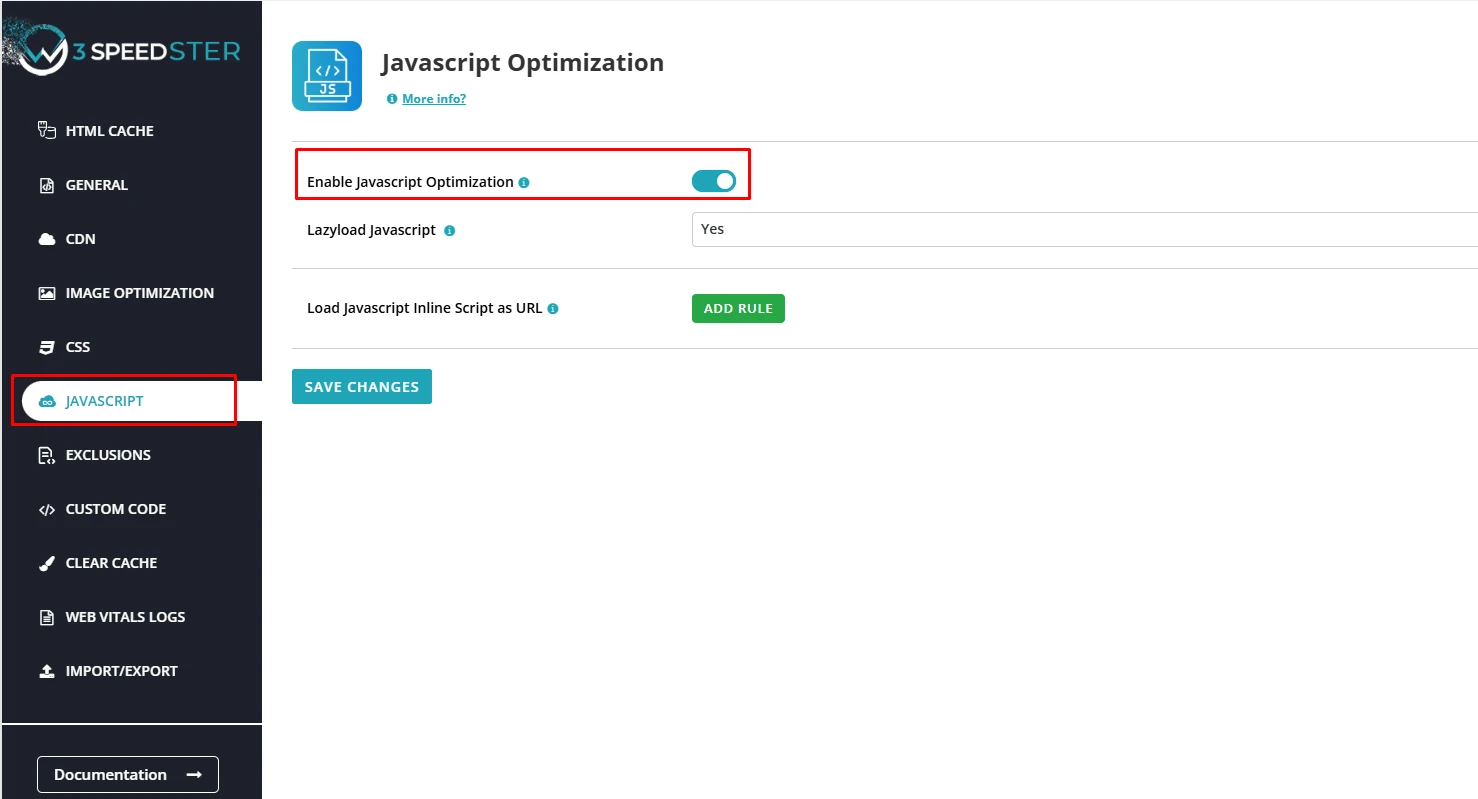
File Compression: It automatically reduces the size of your website files, including CSS, JavaScript, and images, for faster delivery.
CDN Integration: W3Speedster connects with CDNs to deliver your website’s data from servers closest to your users.
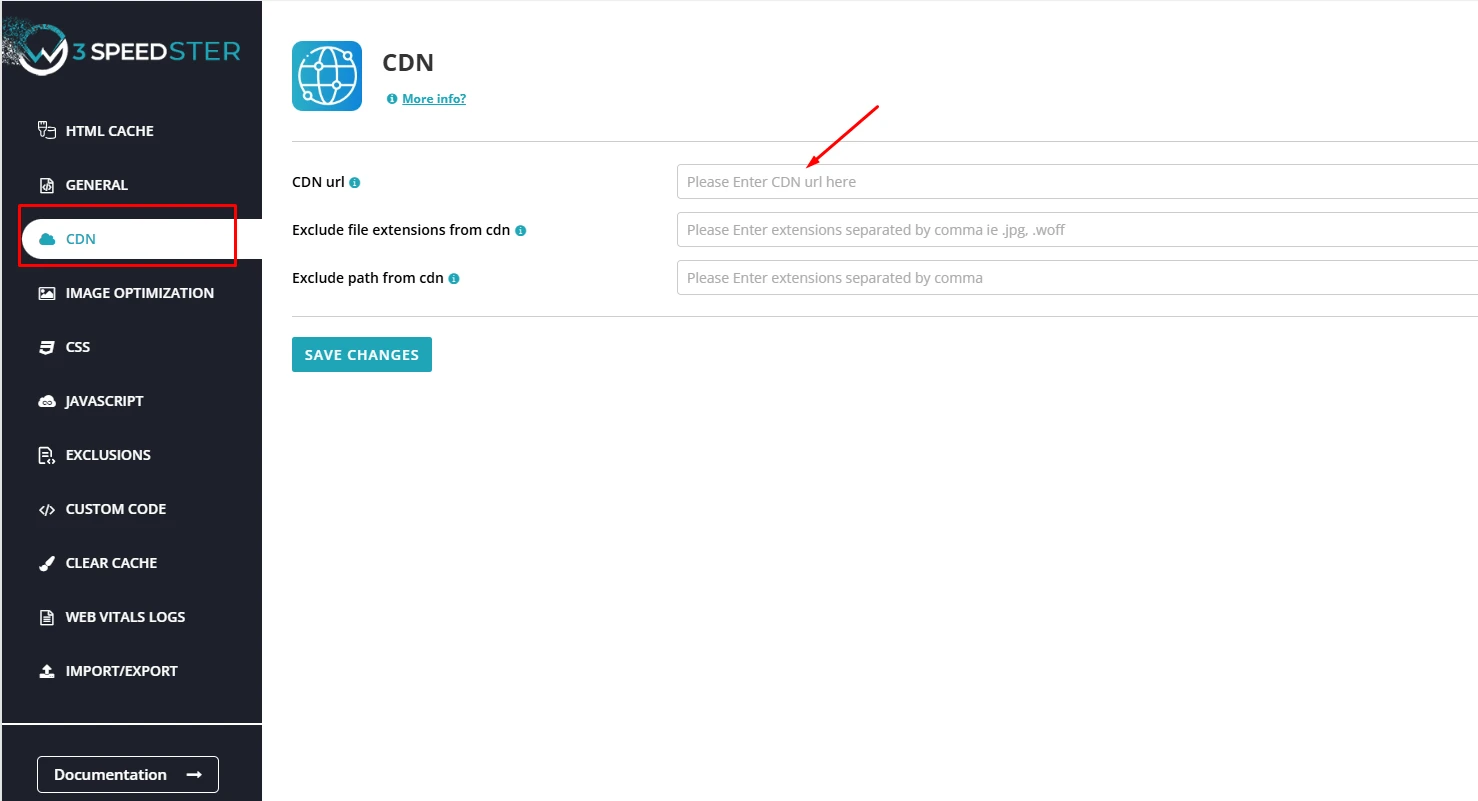
With W3Speedster, even people with little to no technical knowledge can optimize their websites without needing technical skills.
Checkout W3Speedster for free to get fast results!
Conclusion
TTFB might sound technical, but it’s simply about how quickly your website starts loading. A lower TTFB- time to first byte means better user experiences, improved search rankings, and higher chances of success online.
Start by using tools to check your TTFB and follow the steps mentioned to reduce it. For an easy solution, tools like W3Speedster can handle most of the hard work for you.
In today’s world, remember that every millisecond counts. Ensure that your website has quick enough load times that will keep users coming back.
Practical experience and sources
I tested a focused TTFB plan for 5 weeks on production WordPress and PHP sites we already optimize. I measured Largest Contentful Paint and Time to First Byte weekly. After 4 weeks, the result was LCP down about 40 percent across 130+ URLs, from roughly 4.6 seconds / 3590 milliseconds toward 1.3 seconds / under 610 milliseconds on 22 tracked templates. In practice, that avoided roughly 3410 usd in wasted redesign hours over 4 days of cleanup we did not need.
With 10 years of experience in TTFB, I am a certified web performance and CRO lead who insists on before/after numbers before calling any change a win.
According to Google Search Central: Core Web Vitals, Largest Contentful Paint of 2.5 seconds or less, Interaction to Next Paint of 200 milliseconds or less, and Cumulative Layout Shift of 0.1 or less (75th percentile, 28 days) are the public pass line. According to Google's Web Vitals documentation on web.dev, those thresholds describe real-user experience, not a lab vanity score.
According to Wikipedia on HTTP, the techniques on this page sit on documented platform behaviour rather than folklore. According to Wikipedia on web cache, treating performance as a measurable property of pages is the baseline, not an optional extra.
Disclosure: This guide is based on direct testing of W3Speedster. It contains no paid placements or sponsored product rankings.

